
In the C-20 series gimbal kit, the accessories installed on the gimbal are as follows:

As shown in the picture above, ③ and ⑦ correspond to (O3/O4) and (O4pro), respectively.
The correct way to install the lens protective ring is as follows:
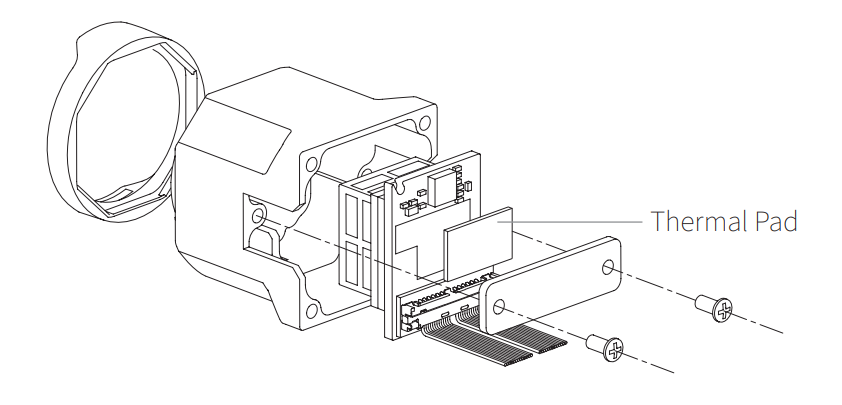
Note: Before installing the camera, you need to first attach the lens protective ring to the lens mount. Since installing the lens protector requires some force, make sure to install it with the lens mount first to avoid damaging the lens.
The right way:
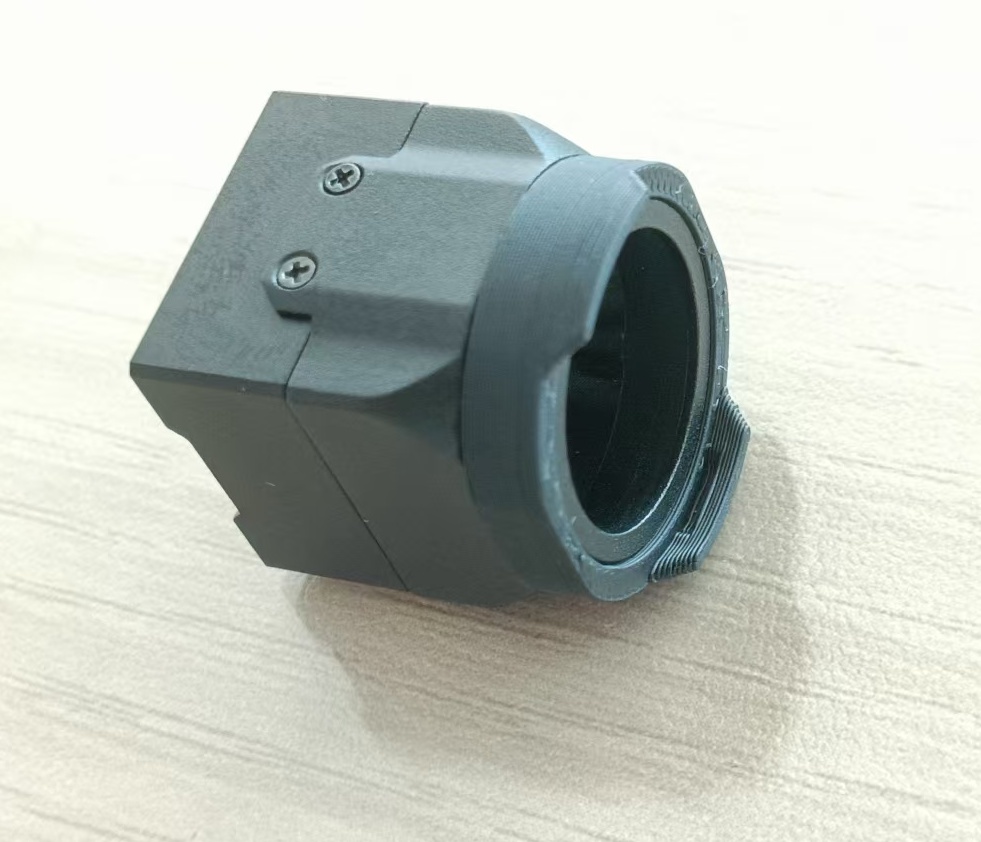
The wrong way:

There’s a gap between the lens mount and the lens protector ring; they don’t fit snugly.

The lens protective ring is facing the wrong way, and the internal slot doesn’t match. The protruding part of the lens protective ring’s slot should be oriented up and down.
Regarding installing filters, DJI’s O3, O4, and O4 Pro all have filter accessories for sale. As shown in the picture below:

Refer to the picture below for the installation method:
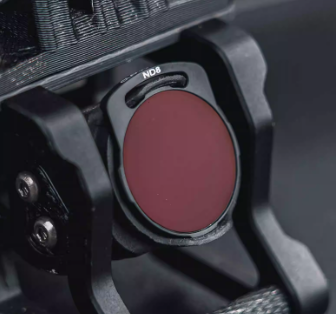

Note: After installation, please check if the protruding clips on the filter edge are properly fitted into the slots on the lens protection ring to prevent the filter from accidentally falling off and getting lost.
The lens protective ring is a 3D printed part, and you can download the 3D design from the official website.
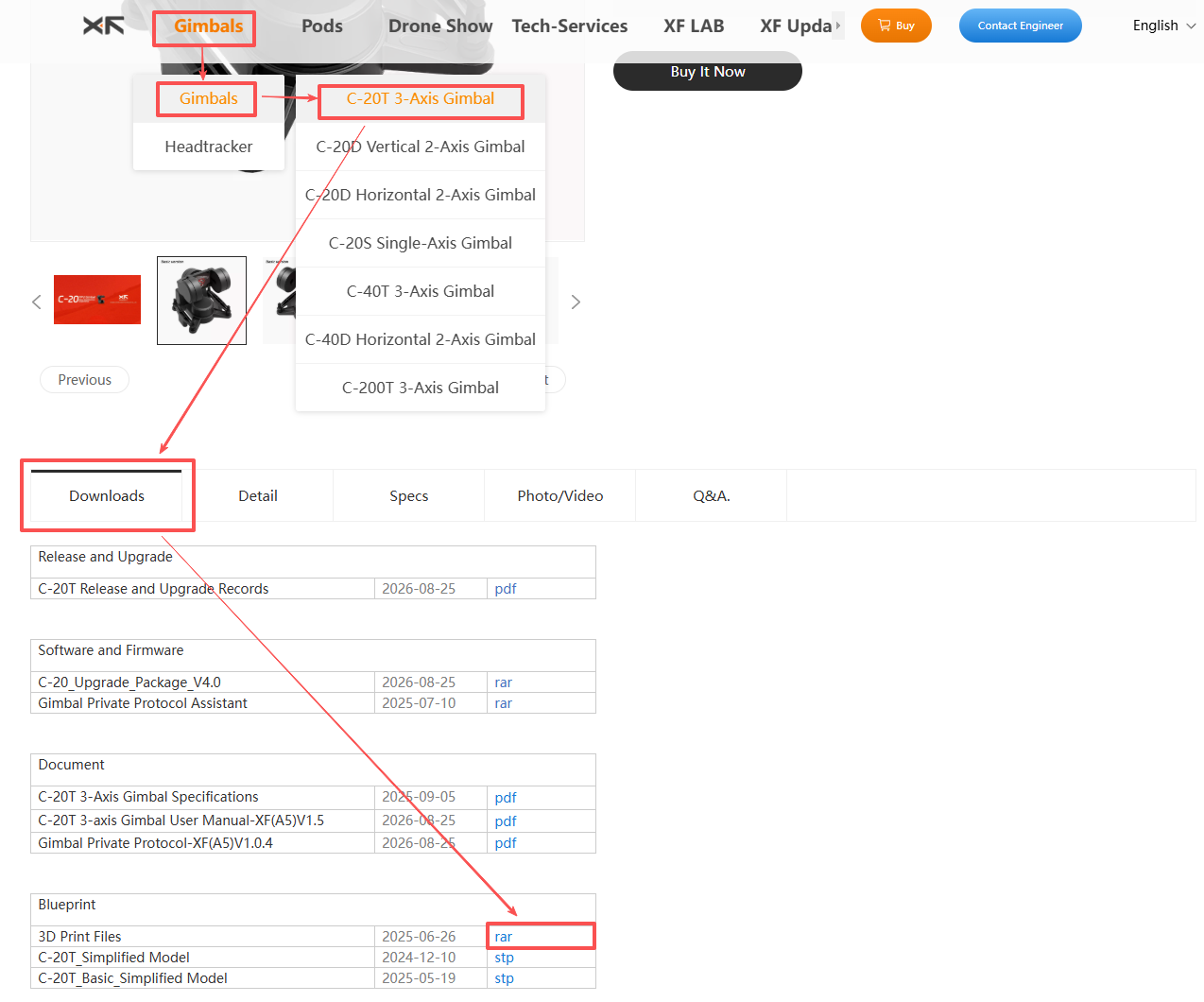
Follow-up download of C-20 series gimbal 3D drawings
C-20 Series Gimbal Website
Computer version:https://www.allxianfei.com/en/gimbal-stabilization/
Leave a Reply